
General User Interface Functions

Columns can be rearranged by dragging & dropping the headers, and can be resized by dragging the edges. Clicking on a column header sorts it, clicking again sorts in reverse order. If you need to sort on multiple columns, hold control & click on each column in order:


Click on the filter icon to filter a column.
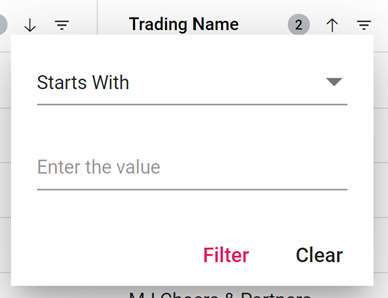
To clear a filter, click the filter icon & then select Clear.
Details

Click the details icon to access further details about a row of data. Depending on the data being viewed, this will either open a new page or a dialog box allowing you to modify the data.